
Why LED Strip Lights Are a Must for Any Gaming Setup
If you're still gaming in a dark room with just your monitor glow, you're missing out. Consider pairing strips with a smart light bar for the ultimate ambient setup. LED strip lights don't just look cool — they reduce eye strain, create an immersive atmosphere, and can even sync with your games in real time.
But with hundreds of options on Amazon, how do you pick the right one? We analyzed 15+ LED strip lights based on expert reviews, user feedback, and technical specifications, then ranked the top 7 based on brightness, color accuracy, smart features, and value for money.
Our Top Picks at a Glance
| Rank | Product | Best For | Price |
|---|---|---|---|
| 🥇 | Govee RGBIC Pro | Best Overall | ~$30 |
| 🥈 | Philips Hue Gradient | Premium Pick | ~$170 |
| 🥉 | Govee Neon Rope Light | Best Aesthetic | ~$50 |
| 4 | LIFX Z Strip | Best No-Hub | ~$90 |
| 5 | Nanoleaf Essentials Strip | Best Matter Support | ~$40 |
| 6 | Corsair iCUE LS100 | Best for PC Gamers | ~$120 |
| 7 | Daybetter LED Strip | Best Budget | ~$15 |
1. Govee RGBIC Pro — Best Overall

🥇 Govee RGBIC Pro LED Strip Light
Why we love it: The RGBIC technology means each segment can display a different color simultaneously — no more single-color strips. At ~$30 for 16.4ft, it's an absolute steal.
Key specs:
- Length: 16.4ft (5m), trimmable
- Colors: 16 million+ with RGBIC segmented control
- Smart: Govee app, Alexa, Google Assistant
- Music sync: Built-in mic for reactive lighting
- Game sync: Works with Govee DreamView for screen matching
| Pros | Cons |
|---|---|
| Incredible value for money | Not compatible with Apple HomeKit |
| Segmented color control (RGBIC) | Can't be extended (fixed length) |
| Music reactive mode is amazing for gaming | Wi-Fi only (no Bluetooth fallback when Wi-Fi drops) |
| Easy 3M adhesive installation | |
| Works with Alexa and Google Home |
Verdict: If you want the best bang for your buck, the Govee RGBIC Pro is a no-brainer. It offers features that used to cost $100+ for just $30.
2. Philips Hue Gradient Lightstrip — Premium Pick

🥈 Philips Hue Gradient Lightstrip
Why we love it: If money isn't the primary concern and you want the absolute best, the Hue Gradient is in a league of its own. Multi-color zones, rock-solid reliability, and seamless smart home integration.
Key specs:
- Length: 6.6ft (2m), extendable to 33ft
- Colors: 16 million with multi-zone gradient
- Smart: Hue app, Alexa, Google, Apple HomeKit, Matter
- Requires: Hue Bridge ($50 separately)
- Sync: Hue Sync Box for real-time game/movie sync
| Pros | Cons |
|---|---|
| Best-in-class color accuracy and brightness | Expensive ($170 + $50 for Bridge + $230 for Sync Box) |
| True multi-zone gradient (not segmented like Govee) | Requires Hue Bridge hub |
| Works with every smart home platform | Full experience costs $400+ |
| Extremely reliable — no Wi-Fi drops | |
| Entertainment mode with Hue Sync Box is mind-blowing |
Verdict: The Rolls-Royce of LED strips. Worth it if you're building a premium setup and want everything to work flawlessly.
3. Govee Neon Rope Light — Best Aesthetic
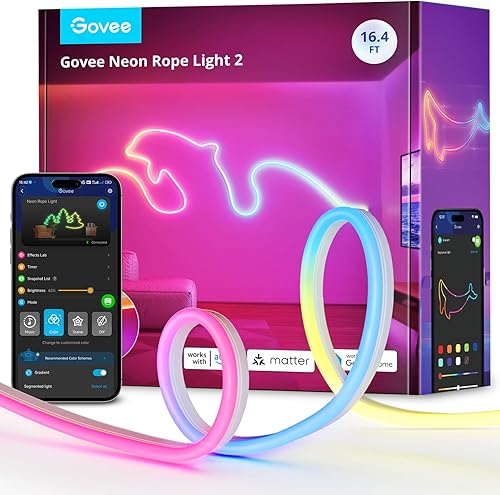
🥉 Govee Neon Rope Light 2
Why we love it: Unlike flat strip lights, the Neon Rope Light has a diffused, tube-like design that creates a clean, professional neon glow. Perfect for desk outlines, wall art, or custom shapes.
Key specs:
- Length: 10ft (3m), flexible rope design
- Colors: RGBIC segmented control
- Smart: Govee app, Alexa, Google
- DIY shapes: Bend and mount in any pattern
| Pros | Cons |
|---|---|
| No visible LED dots — smooth, diffused glow | Not as bright as strip lights |
| Flexible enough for custom shapes and wall art | Can't be cut to custom lengths |
| RGBIC segmented colors | Mounting clips could be stronger |
| Looks WAY more expensive than it is |
Verdict: The best choice if aesthetics are your priority. Creates that clean "neon sign" look that's all over Instagram gaming setups.
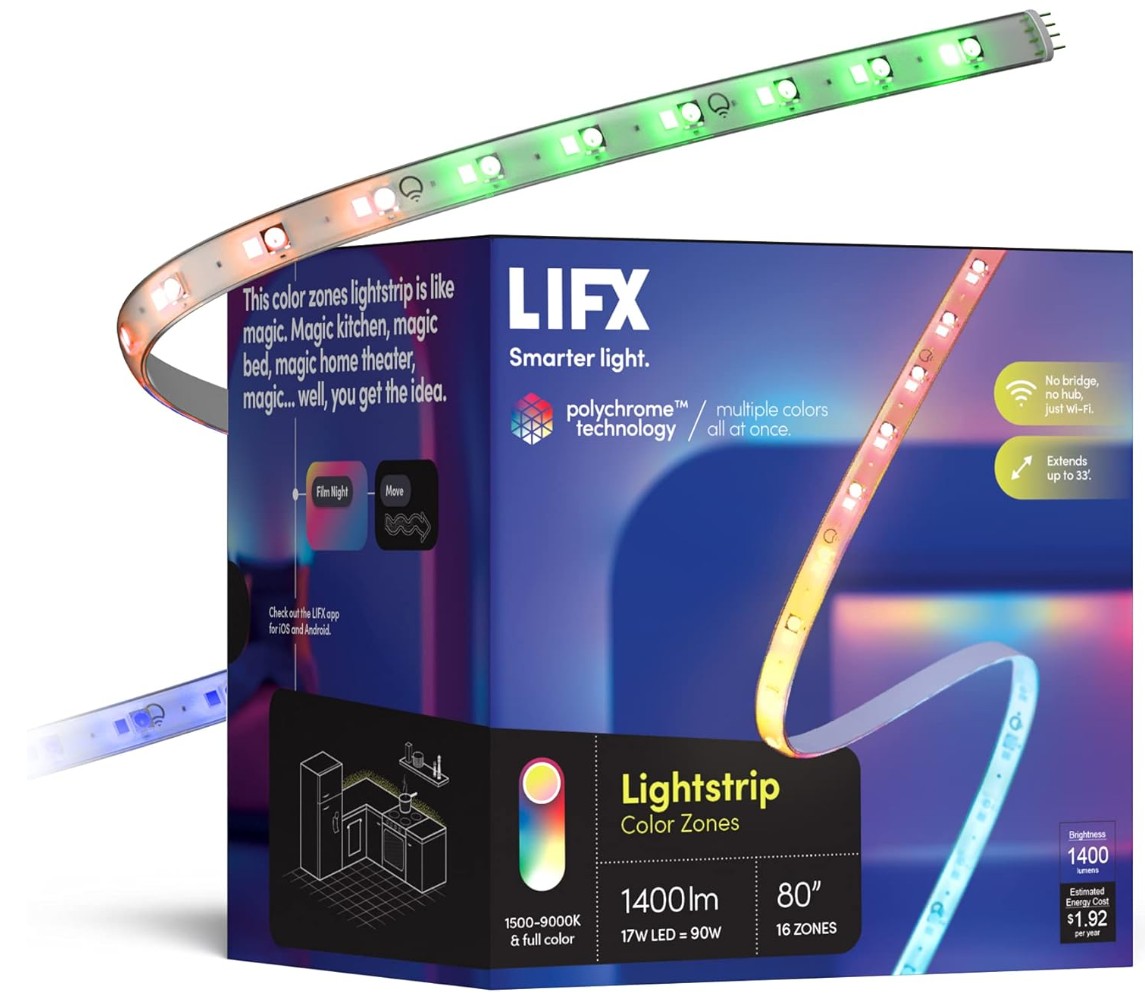
4️⃣ LIFX Z Strip — Best No-Hub Option
Why we love it: The LIFX Z connects directly to your Wi-Fi — no hub, no bridge, no extra hardware. Each 3.3ft section has 8 individually addressable zones, and the colors are incredibly vivid (1400 lumens max brightness).
Key specs:
- Length: 3.3ft (1m) per section, extendable to 33ft
- Colors: 16 million with 8 addressable zones per strip
- Smart: LIFX app, Alexa, Google, Apple HomeKit
- Brightness: 1400 lumens max
- No hub required — direct Wi-Fi
| Pros | Cons |
|---|---|
| No hub or bridge needed | More expensive per foot than competitors |
| Incredibly vivid colors (1400 lumens) | Wi-Fi can be finicky with multiple strips |
| HomeKit support out of the box | App could be more polished |
| Individually addressable zones |
Verdict: Best choice if you hate dealing with hubs and want premium colors with minimal setup.
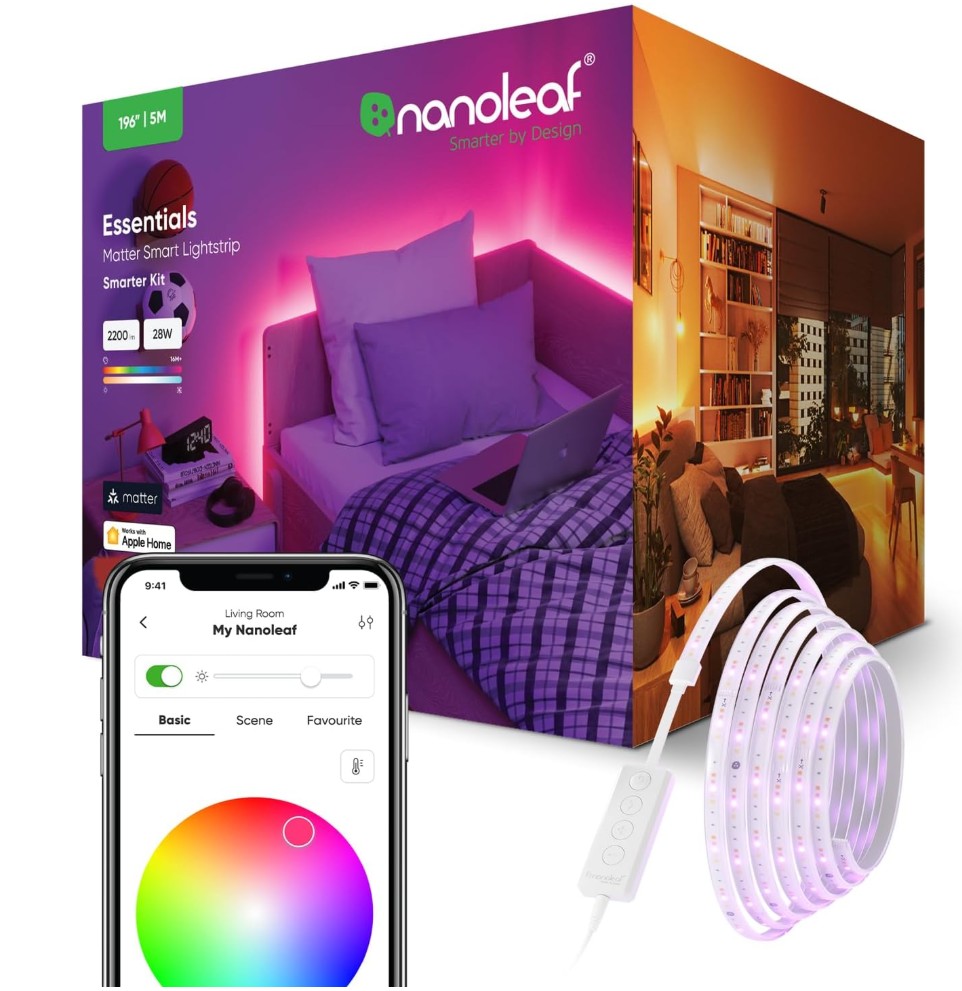
5️⃣ Nanoleaf Essentials Lightstrip — Best Matter Support
Why we love it: Nanoleaf was one of the first brands to support the Matter smart home standard. This means it works natively with Apple Home, Google Home, Samsung SmartThings, and Amazon Alexa — future-proofing your setup.
Key specs:
- Length: 6.6ft (2m), extendable to 33ft
- Colors: 16 million+ with gradient effect
- Smart: Matter, Apple Home, Google, Alexa, SmartThings
- Connection: Bluetooth + Thread (no Wi-Fi needed)
- Touch control on the strip itself
| Pros | Cons |
|---|---|
| Matter support — works with everything | Not as bright as LIFX or Philips Hue |
| Thread networking (fast, reliable, low power) | Gradient effect limited to fewer zones |
| No hub required | Extension strips sold separately |
| Very affordable for the features |
Verdict: The most future-proof option. If you're building a smart home ecosystem, Nanoleaf's Matter support means this strip won't become obsolete.
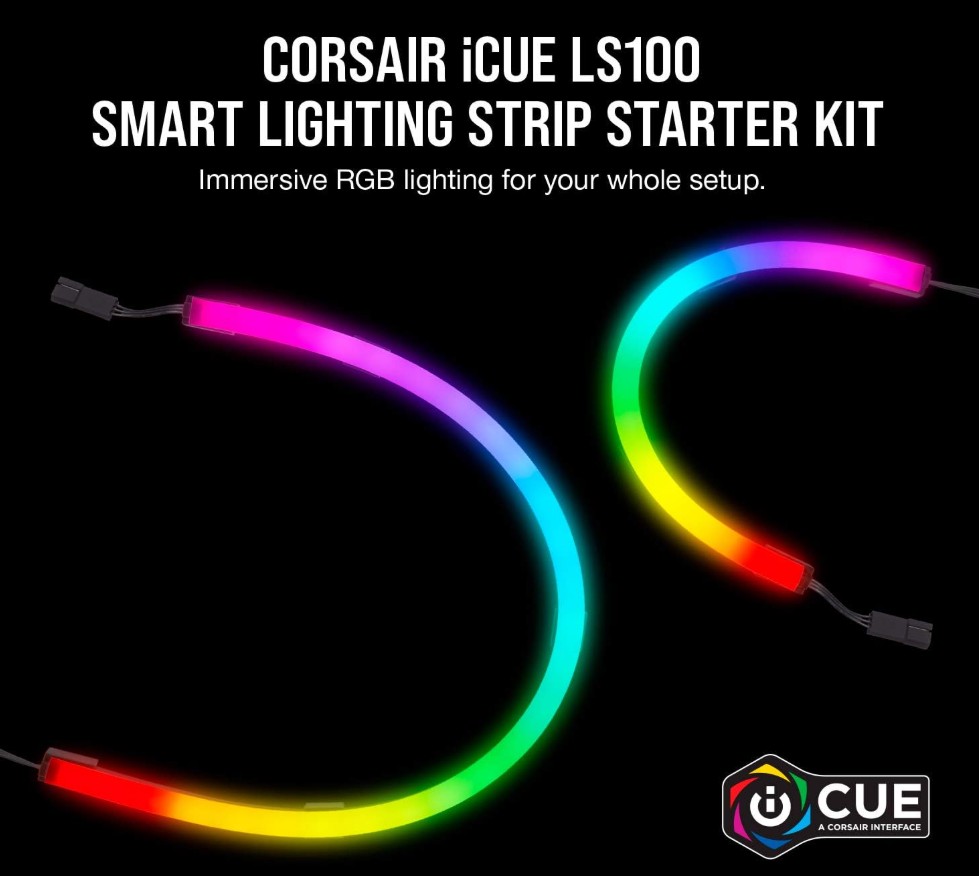
6️⃣ Corsair iCUE LS100 — Best for PC Gamers
Why we love it: Specifically designed for PC gaming setups, the LS100 integrates with Corsair's iCUE software to sync your lighting with your keyboard, mouse, headset, and even in-game events. If you're already in the Corsair ecosystem, this is a no-brainer.
Key specs:
- Length: Starter kit includes 2x 450mm + 2x 250mm strips
- Colors: 16.8 million RGB
- Smart: Corsair iCUE software (PC only)
- Sync: Real-time game lighting, screen color matching
- Expandable with additional strip kits
| Pros | Cons |
|---|---|
| Deep iCUE integration with all Corsair gear | PC-only — no phone app or voice control |
| Real-time in-game lighting effects | Expensive for what you get length-wise |
| Screen color matching built-in | Requires Corsair Lighting Node Pro |
| Professional mounting system |
Verdict: The ultimate pick for dedicated PC gamers with Corsair peripherals. The unified RGB ecosystem is unmatched.
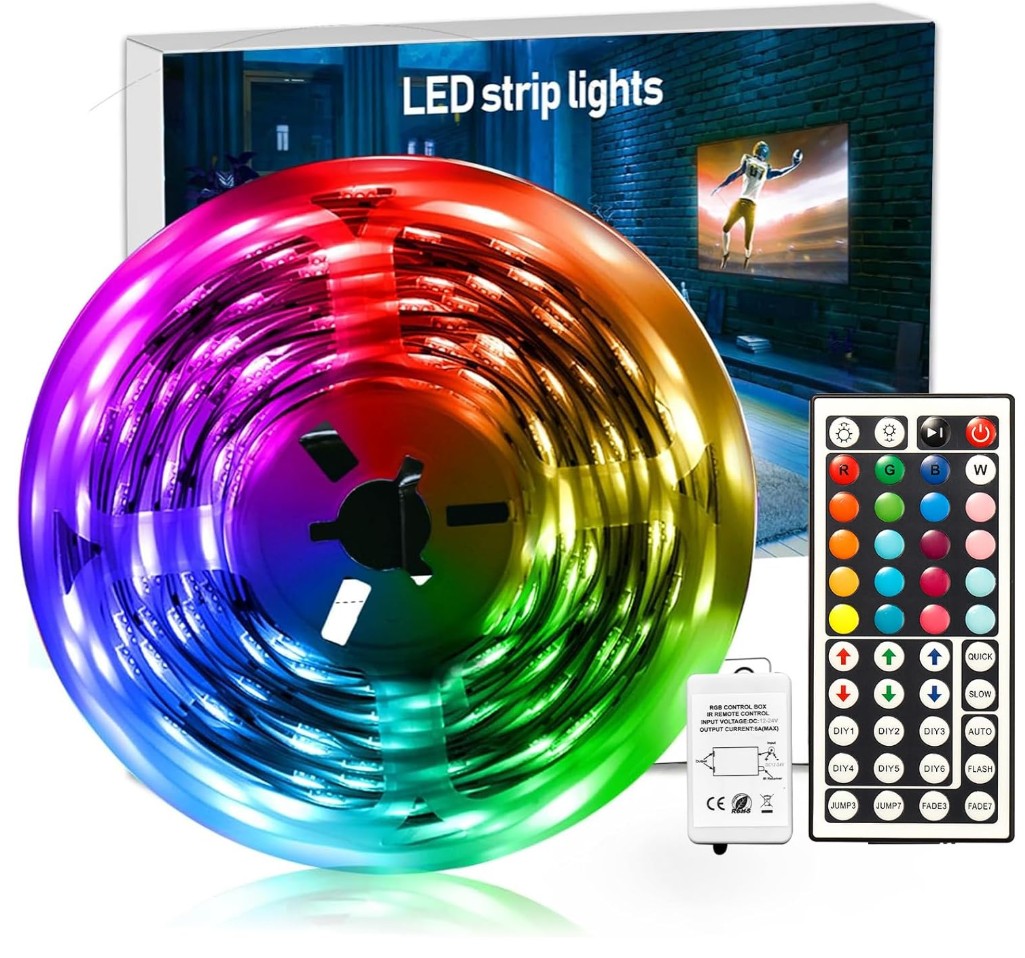
7️⃣ Daybetter LED Strip — Best Budget
Why we love it: At under $15 for 32.8ft, the Daybetter is the cheapest way to add color to your gaming room. It's basic — no smart features, just a remote control — but it gets the job done if you're on a tight budget.
Key specs:
- Length: 32.8ft (10m), trimmable every 3 LEDs
- Colors: RGB with 20 fixed colors + DIY mode
- Control: IR remote only (no app or voice)
- Power: 12V adapter included
- Adhesive: 3M tape backing
| Pros | Cons |
|---|---|
| Unbeatable price (~$15 for 32.8ft) | No smart features at all |
| Trimmable to any length | IR remote only — no app or voice |
| Simple setup — plug and play | Color accuracy isn't great |
| Good enough for ambient backlighting | Adhesive can weaken over time |
Verdict: Perfect starter strip for budget setups. You won't get smart features, but you'll get plenty of color for the price of a fast food meal.
How to Choose the Right LED Strip for Your Gaming Setup
Consider Your Budget
- Under $20: Daybetter (basic but functional)
- $30-50: Govee RGBIC Pro (best value) or Neon Rope Light
- $50-100: LIFX Z or Nanoleaf
- $100+: Corsair iCUE or Philips Hue Gradient
Smart Home Compatibility Matters
If you already have smart speakers or a smart home setup, make sure your LED strip works with it:
- Alexa/Google: All options work
- Apple HomeKit: Philips Hue, Nanoleaf, LIFX
- Matter: Nanoleaf, Philips Hue (with updates)
Music/Game Sync
If you want your lights to react to your games or music:
- Best free sync: Govee DreamView (screen-matching via camera)
- Best premium sync: Philips Hue Sync Box (HDMI passthrough)
- Best PC sync: Corsair iCUE (in-game integration)
Installation Tips
- Clean the surface first — Use isopropyl alcohol for best adhesion
- Plan your layout — Measure twice, stick once
- Don't stretch around corners — Use corner connectors or separate strips
- Hide the power adapter — Route cables behind your desk for a clean look
- Use a smart plug — Control your strip lights with voice even if they're "dumb" strips
Frequently Asked Questions
Q: Do LED strip lights use a lot of electricity? A: No. A typical 16ft strip uses about 15-25 watts — roughly the same as a light bulb. Running them 8 hours a day costs about $1-2 per month.
Q: Can I cut LED strips to fit my desk? A: Most strips have designated cut points (usually every 3 LEDs). Cut only at these marks. Note: Govee RGBIC strips cannot be cut without losing functionality.
Q: Are LED strip lights bad for your eyes? A: Actually, the opposite — bias lighting behind your monitor reduces eye strain by reducing the contrast between your bright screen and dark room.
Our Verdict
For most gamers, the Govee RGBIC Pro is the clear winner. It offers 90% of the features of strips costing 3-5x more, and the music/game sync features are genuinely impressive for the price.
If budget is no concern, go with the Philips Hue Gradient + Sync Box combo — it's the ultimate immersive experience.
Last updated: March 2026. We regularly research and update our recommendations.